
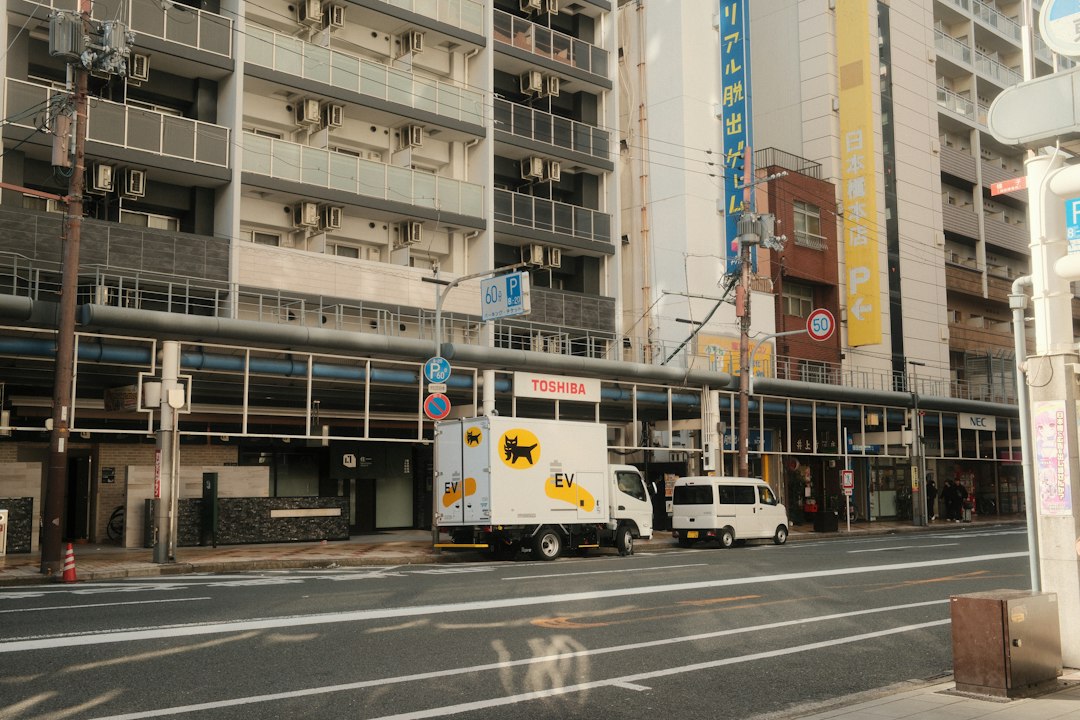
Every package that lands on a porch, every parts run that keeps a repair shop running, every restaurant order that arrives hot — there’s a dispatch delivery driver behind it, and increasingly, a piece of software making sure that driver is in the right place at the right time. If you’re hiring delivery drivers, managing a small fleet, or thinking about stepping into this role yourself, understanding how dispatching works in the delivery world will save you time, money, and a lot of missed stops.
This article breaks down what a dispatch delivery driver does, how dispatch software fits into the picture, what tools cost, and how to choose the right setup for your operation.
—
The Role: What a Dispatch Delivery Driver Actually Does
At its simplest, a dispatch delivery driver is a driver who receives job assignments — pickup addresses, drop-off points, time windows — through a dispatcher or a dispatching system, rather than choosing their own routes. The word “dispatch” just means the process of assigning a job to the right driver at the right time.
In practice, the role looks different depending on the business:
- A courier might handle dozens of on-demand stops in a single shift, with jobs pushed to a phone app in real time.
- A delivery driver for a small distributor might get a route pre-planned the night before and drive it sequentially.
- A last-mile driver for a larger operation might have 50–150 stops loaded into a route optimization tool, with customer ETAs generated automatically.
What ties them together is the flow of information: a dispatcher (human or software-driven) tells the driver where to go, in what order, and by when. The driver executes and confirms delivery — often with a photo, signature, or barcode scan captured through a mobile app.
—
How Dispatch Software Changes the Equation
Before dedicated software, dispatchers ran delivery operations on whiteboards, phone calls, and spreadsheets. That still works at very small scale — but it breaks down fast when you add drivers, stops, or time pressure.
Modern delivery dispatch software typically handles:
- Job assignment — matching incoming orders to available drivers based on location, capacity, or priority
- Route optimization — calculating the most efficient stop order automatically (a good optimizer can cut real-world drive time and fuel costs meaningfully compared to manual sequencing)
- Real-time GPS tracking — showing every driver’s position on a live map so dispatchers can spot problems before they become complaints
- Driver mobile app — the driver’s interface for seeing their queue, navigating, collecting proof of delivery, and updating job status
- Proof of delivery (POD) — photos, e-signatures, or barcodes captured at the door and stored automatically
- Customer notifications — automated SMS or email updates (“your driver is 10 minutes away”) that reduce inbound “where’s my order?” calls
- Reporting — stop completion rates, on-time percentages, miles driven, and driver performance data
If you want to understand all of this from the ground up, the what is dispatch software guide is a good starting point.
—
What Dispatch Software Costs for Delivery Operations
Pricing varies more than most vendors advertise upfront, but here’s how the models break down:
| Pricing Model | Typical Range | Best Suited For |
|---|---|---|
| Per vehicle / per month | ~$20–$45/vehicle | Small to mid-size fleets with steady volume |
| Per driver / per seat | Varies by tier | Growing teams where seat count is the driver |
| Per delivery / per transaction | Usage-based | On-demand couriers with variable volume |
| Free plan | $0 (feature-limited) | Solo operators, startups, or low-volume testing |
| Custom / enterprise quote | Negotiated | Large fleets, multi-location, complex integrations |
Solo operators and owner-operators can often get started on a free plan or a no-card trial — enough to dispatch a handful of drivers and see whether the software fits before committing. Small fleets of two to ten vehicles will usually land somewhere in the $20–$45 per vehicle per month range for a capable platform.
For a full breakdown of what drives costs up or down, see the dispatch software pricing guide.
—
Choosing Software That Works for Your Drivers (Not Just Your Dashboard)
A common mistake: operators pick software based on the dispatcher’s view and forget that the driver experience is just as important. If the mobile app is confusing, drivers will call in or skip steps — and your POD data will be worthless.
When evaluating platforms for dispatch delivery driver operations, look at both sides of the screen:
For the dispatcher:
- How fast can you add, reassign, or cancel a job mid-day?
- Is the live map easy to read when you have 8–12 drivers moving at once?
- Does the system alert you when a driver is behind schedule or has been stationary too long?
For the driver:
- Is the app available on both iOS and Android?
- Does it work in low-signal areas, or does it require constant connectivity?
- How many taps does it take to mark a stop complete and capture a photo?
- Is navigation built in, or does it push to Google Maps or Waze?
A clean driver experience reduces training time, cuts call volume to dispatchers, and produces cleaner delivery records. It’s worth running a trial shift with a real driver before you commit.
—
The Integration Layer: Where Dispatch Meets the Rest of Your Business
Dispatch software for delivery drivers rarely sits alone. The most useful setups connect to other tools your business already uses:
- Accounting software (QuickBooks is the most common example) — so invoices generate automatically from completed deliveries without double-entry
- E-commerce or order management platforms — jobs flow in automatically when an order is placed, rather than someone manually entering each pickup
- Telematics or GPS hardware — if you already have tracking hardware in your trucks, look for software that reads that data rather than requiring a second GPS device
- Customer communication tools — automated notifications reduce dispatcher workload and improve customer satisfaction simultaneously
The more seamlessly these connect, the less manual work sits between a customer placing an order and a driver closing it out. For businesses in trucking rather than parcel delivery, the integration picture shifts toward ELDs and load boards — see the trucking dispatch software section for that angle.
—
What It Means for Your Operation
If you’re hiring your first dispatch delivery driver: Start simple. A free plan or low-cost trial with a mobile app and basic GPS tracking is enough to learn whether dispatching software adds value before you spend. Don’t overbuy on features you won’t use yet.
If you’re managing a small fleet (2–10 drivers): Route optimization and automated customer notifications usually pay for themselves quickly. Run the math on how many inbound status calls your team handles per day — that alone is often worth the software fee.
If you’re evaluating platforms: Use the dispatch software comparisons section to put options side by side. Look at per-vehicle cost, driver app quality, and whether the integrations you need are included in the base plan or cost extra.
If cost is the first question: The free dispatch software guide covers what’s genuinely available without a subscription and what trade-offs come with free plans.
If you’re not sure which category of software you need: The best dispatch software roundup breaks down the landscape by industry and operation size, which is usually the fastest way to narrow the field.
—
FAQ
What does a dispatch delivery driver do?
A dispatch delivery driver receives job assignments — pickups, drop-offs, time windows — from a dispatcher or software system, then executes those deliveries and confirms completion. The defining feature is that someone or something else assigns the work, rather than the driver choosing their own route.
Do delivery drivers need special dispatch software, or will a basic route planner work?
It depends on volume and complexity. A basic route planner optimizes the order of stops, which is useful for pre-planned routes. Dispatch software goes further: it assigns jobs in real time, tracks drivers live, captures proof of delivery, and sends customer notifications. If you’re managing more than one driver or handling on-demand orders, purpose-built dispatch software adds meaningful capability.
How much does dispatch software for delivery cost?
Plans vary widely. Solo operators can often use a free or low-cost plan. Small fleets typically see pricing in the range of $20–$45 per vehicle per month, though feature sets and add-ons affect the real number. Usage-based pricing (per delivery) suits high-volume, variable operations. See the dispatch software pricing guide for a detailed breakdown.
What features matter most for a small delivery fleet?
Route optimization, a clean driver mobile app, real-time GPS tracking, and proof of delivery capture are the core four. Customer notifications (automated ETAs and updates) become valuable quickly as volume grows. Integrations with your accounting or order management tools matter if you want to avoid manual data entry.
Can a single owner-operator use dispatch software, or is it only for fleets?
Several platforms are designed specifically for solo operators. A single driver running regular deliveries benefits from route optimization and automated customer updates even without a dispatcher in the picture. Free plans and low-cost tiers are usually sufficient at that scale — there’s no reason to pay for multi-driver features you don’t need yet.
—
The Bottom Line
The dispatch delivery driver role is built on information flow: the right job, to the right driver, with the right timing. Good dispatch software is what makes that flow reliable at scale — and it’s accessible at almost every budget level, including free.
Whether you’re onboarding your first driver or trying to squeeze more efficiency out of an established fleet, the smartest move is to match the tool to the actual operation rather than buying the most feature-rich platform on the market. Start with a trial, run it with real drivers on real routes, and measure what changes.
If you’re not sure where to start, DispatchFlow’s free finder walks you through your industry, fleet size, and must-have features, then matches you to delivery dispatch platforms worth comparing — no obligation, no pressure. Head to /get-started/ and see what fits.