
The Short Answer
Dispatch management software is a digital system that assigns jobs or loads to drivers, tracks those drivers in real time, and keeps your entire operation visible from a single screen. It replaces whiteboards, spreadsheets, and phone-tag with a structured workflow that scales from a single owner-operator to a multi-vehicle fleet. If you move freight, run deliveries, manage field technicians, or coordinate rides, dispatch management software is built for your daily reality.
—
What It Is and How It Works
At its core, dispatch management software connects three things: the dispatcher (or the owner doing both jobs), the driver, and the customer. Understanding each layer helps you know what to look for when you start comparing platforms.
The Dispatch Board
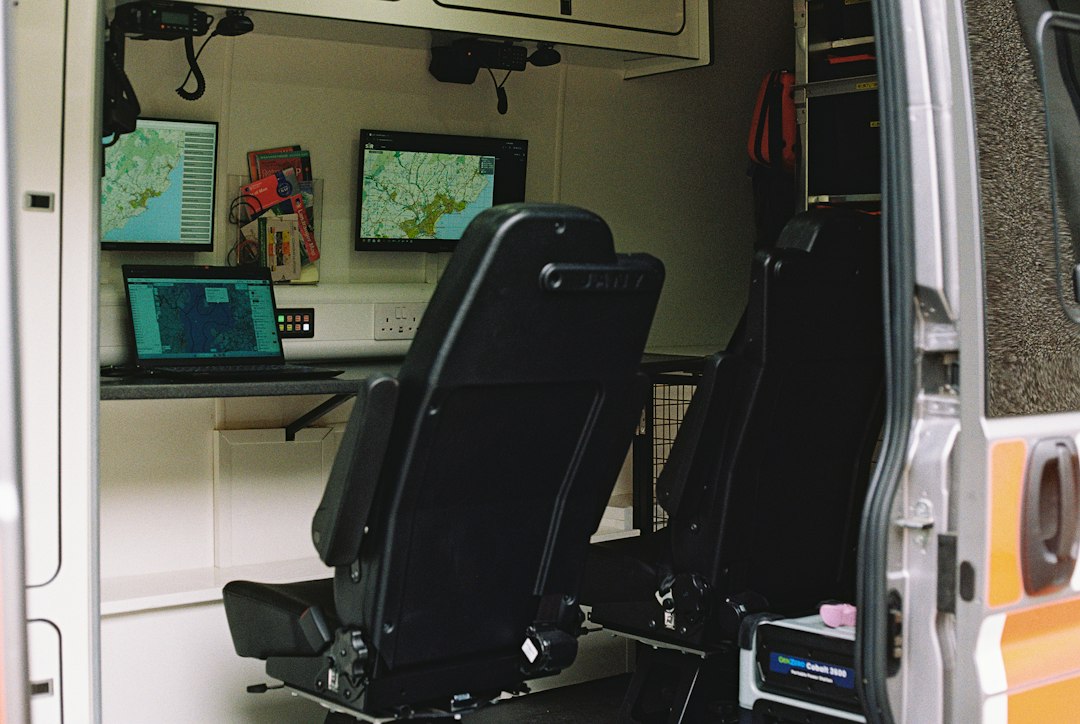
The dispatch board is your command center — a live view of every job, driver, and vehicle status at once. Think of it as a digital version of the sticky-note-covered whiteboard most small operations still use, except it updates automatically, flags conflicts, and doesn’t fall off the wall. You can drag and drop jobs to drivers, see who’s available, and spot bottlenecks before they become missed deliveries.
Route Optimization
Most platforms include some form of route optimization, which calculates the most efficient sequence and path for a driver’s stops. This matters because a driver left to plan their own route often adds unnecessary miles — called deadhead miles (miles driven empty or off-route with no revenue attached). Good route optimization cuts fuel costs and lets each driver handle more stops per shift. Keep in mind: a dedicated route planner and dispatch software are different tools. Route planning sequences stops; dispatch software assigns and tracks the whole job lifecycle.
The Driver Mobile App
Drivers get a companion app on their phone or tablet. Through it, they receive job assignments, turn-by-turn navigation, and customer contact details. They can also collect proof of delivery (POD) — photos, e-signatures, or barcodes confirming a job was completed — which protects you from disputes and feeds directly back to the dispatch board and your billing records.
Real-Time GPS Tracking
Dispatchers and, often, customers see where each driver is at any moment. This real-time tracking feeds ETAs (estimated times of arrival) to customers automatically, which reduces inbound “where’s my driver?” calls. Many platforms also support geofencing — virtual boundaries that trigger automatic alerts when a driver enters or leaves a job site or depot.
—
Key Features to Compare
Not every platform includes every feature below, and some charge extra for advanced modules. Use this table as a checklist when you evaluate options.
| Feature | Why It Matters |
|---|---|
| Dispatch board / job management | Core to any platform; look for drag-and-drop ease and real-time status updates |
| Route optimization | Cuts fuel and labor costs; reduces deadhead miles |
| Driver mobile app | Keeps drivers connected without radio or phone calls |
| Real-time GPS tracking | Gives dispatchers visibility and customers accurate ETAs |
| Proof of delivery (POD) | Photos, e-signatures, or barcodes protect you from disputes |
| Customer notifications | Automated SMS or email updates reduce inbound calls |
| Invoicing and billing | Speeds up cash flow; look for QuickBooks sync |
| Reporting and analytics | Tracks on-time rates, driver performance, and cost per stop |
| ELD integration | Required for most U.S. commercial trucking; confirm compatibility with your hardware |
| Multi-stop / multi-driver routing | Essential once you have more than one vehicle |
| API or third-party integrations | Connects to accounting, telematics, load boards, and payment processors |
| Free trial or free plan | Lets you test before committing any budget |
For a deeper dive into specific feature categories, the dispatch software comparisons section walks through how platforms stack up across these dimensions.
—
Pricing Models
Dispatch management software typically charges in one of three ways. Understanding the model matters as much as the headline number, because the wrong structure can make costs unpredictable as your operation grows.
Per Vehicle (Most Common for Fleets)
You pay a monthly fee for each truck, van, or car in your fleet. Small fleets commonly see rates in the range of $20–$45 per vehicle per month, though enterprise platforms move to custom quotes. This model is predictable and scales naturally — add a vehicle, add a seat.
Per User or Per Seat
You pay for each dispatcher or driver account. This suits operations where one dispatcher manages many vehicles, because the vehicle count doesn’t drive the bill. It can get expensive fast if every driver needs their own seat.
Per Delivery or Per Job
You pay a small fee for each completed job or delivery. This is common in last-mile and on-demand delivery platforms. It’s attractive for low-volume or seasonal operations where you don’t want a flat monthly commitment, but the per-job cost adds up quickly at high volumes.
Free and Entry-Level Plans
Solo operators and very small teams often start on a free plan or a low-cost tier. Free plans typically cap the number of drivers, jobs per month, or features available, but they’re often enough to validate a workflow before spending anything. Several platforms offer a no-credit-card free trial, which is the lowest-risk way to test whether a tool fits your operation.
See the full breakdown of what you should expect at each budget level on the dispatch software pricing page.
—
Integrations That Actually Matter
A dispatch platform that lives in isolation from the rest of your business creates double data-entry headaches. The integrations below are the ones operators ask about most.
Accounting software — A direct sync with QuickBooks (or similar) means completed jobs flow into invoices automatically, without re-keying. For most small operators, this alone saves hours per week.
ELD (Electronic Logging Device) systems — If your trucks are subject to federal Hours of Service (HOS) rules, you need an ELD that logs driving time. Many trucking-focused dispatch platforms either build ELD in or integrate with major ELD providers. Requirements vary by operation type; check FMCSA guidance for your specific situation rather than relying on any software vendor’s interpretation.
Load boards — Owner-operators and small trucking fleets often source loads from load boards. Platforms that integrate directly let you pull a load into your dispatch workflow without switching tabs or re-entering stops.
Telematics and GPS hardware — Some platforms work with your existing hardware; others require their own device. If you already have GPS units on your trucks, confirm compatibility before signing up.
Payment processing — Field service and delivery operators increasingly collect payment on-site. A platform that processes cards through the driver app and syncs to accounting removes a manual step.
NEMT broker systems — If you run NEMT (non-emergency medical transportation), integration with broker networks like Modivcare or MTM is essential for receiving trip assignments and submitting Medicaid claims correctly. See the NEMT dispatch software guide for specifics.
—
How to Choose and Get Started
Matching a platform to your operation is more important than picking the one with the longest feature list. A few questions cut through the noise quickly.
What industry are you in? Trucking, last-mile delivery, field service, towing, taxi, and NEMT each have distinct workflows and compliance needs. Most platforms specialize — check trucking dispatch software, delivery dispatch software, or field service dispatch software depending on your category.
How many vehicles are you running today, and in 12 months? If you’re a solo owner-operator, a free or low-cost plan may be all you need. If you’re managing 10 or more vehicles, look at platforms built for fleet-level dispatch with role-based access for multiple dispatchers.
What must-have features are non-negotiable? Write down three or four — maybe it’s ELD integration, NEMT billing, or on-site payment collection. Filter out any platform that can’t do those things on day one.
Start with a free plan or trial. The fastest way to know whether a platform works for your operation is to put real jobs through it. Most platforms allow self-serve onboarding in a single day for small teams. Larger fleets may need a guided implementation, but even enterprise tools usually offer a scoped demo or pilot period.
Compare total monthly cost per vehicle, not just the advertised starting price. Factor in any add-on fees for GPS, POD, API access, or extra dispatchers.
For an overview of how the broader category works before you start comparing specific tools, what is dispatch software is a good starting point.
—
FAQ
What’s the difference between dispatch management software and a TMS?
A TMS (transportation management system) adds carrier management, load planning, and freight billing on top of basic dispatch. It’s built for brokers and shippers managing multiple carriers. Most small fleets and owner-operators need dispatch software, not a full TMS.
Do I need dispatch software if I’m a solo owner-operator?
Possibly. Even a one-truck operation benefits from automated invoicing, real-time tracking shared with customers, and digital POD. Several platforms offer free or very low-cost solo plans that pay for themselves quickly in admin time saved.
Is dispatch management software the same as route planning software?
Not exactly. A route planner optimizes the sequence of stops. Dispatch management software assigns jobs, tracks drivers, handles POD, and manages billing — route optimization is usually one feature within a broader dispatch platform.
What industries use dispatch management software?
Trucking and freight, last-mile delivery and courier, field service (HVAC, plumbing, electrical), taxi and limo, towing and roadside assistance, and NEMT and paratransit. Each vertical has platforms tailored to its specific workflows.
Can dispatch software help with compliance, like ELD or Medicaid billing?
Many platforms support compliance-related features — ELD integration for trucking HOS rules, or Medicaid claim formats for NEMT. That said, regulatory requirements vary by operation type, state, and carrier classification. Always verify compliance requirements with the relevant agency (FMCSA for trucking, your state Medicaid office for NEMT) rather than relying solely on a software vendor’s claims.
How long does it take to get set up?
Small operations using self-serve platforms can be live the same day. Multi-vehicle fleets with custom integrations may need several days to a few weeks of guided onboarding. The size of your team and the complexity of your integrations are the main variables.
What should I look for in a free dispatch software plan?
Check what the free plan actually includes — number of drivers, jobs per month, GPS tracking, and POD. Some free plans are genuinely useful starting points; others are limited enough to require an immediate upgrade. The free dispatch software guide compares what’s actually available at no cost.
—
Conclusion
Dispatch management software sits at the center of any operation that moves vehicles, assigns jobs, and needs to prove work was done. The right platform cuts the administrative friction between taking an order and getting paid, and it gives dispatchers and drivers a shared source of truth that paper and phone calls simply can’t match.
The challenge isn’t finding a dispatch platform — there are dozens of them. The challenge is finding the one that fits your industry, your fleet size, your must-have features, and your budget without paying for capabilities you’ll never use.
That’s exactly what the free finder at DispatchFlow does. Answer a few quick questions about your operation — industry, vehicle count, the features you can’t live without — and it matches you to dispatch platforms worth a closer look. There’s no obligation, no sales pitch, and affiliate relationships never influence which tools appear in your results. Head to /get-started/ and find the right fit for the way you actually work.